Write
Every block, one keystroke away.
Type / for headings, to-dos, callouts, code, tables and columns. Link pages with [[.
Notes, docs and databases saved as plain files on your computer. Your AI agents read only what you share.
macOS · Windows · Linux — free, no account
The problem
Polished tools keep our notes on their servers and sell AI back to us. Local tools give us the files, but not the polish. You shouldn't have to choose.
Cloud workspaces
Local Markdown apps
Betelgeuse
Introducing Betelgeuse
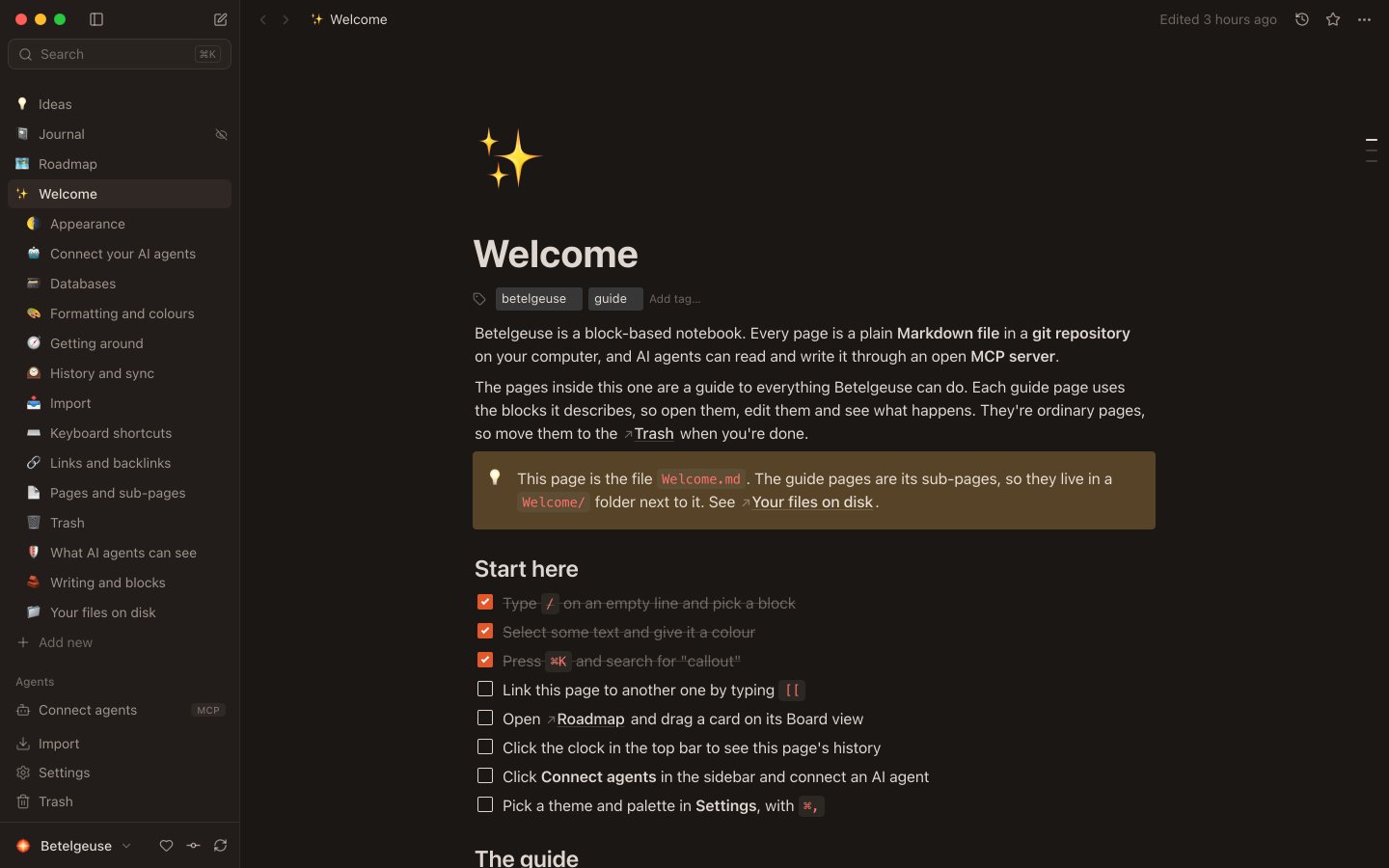
What you see in the app is a Markdown file you can open anywhere.
Write
Type / for headings, to-dos, callouts, code, tables and columns. Link pages with [[.
Organise
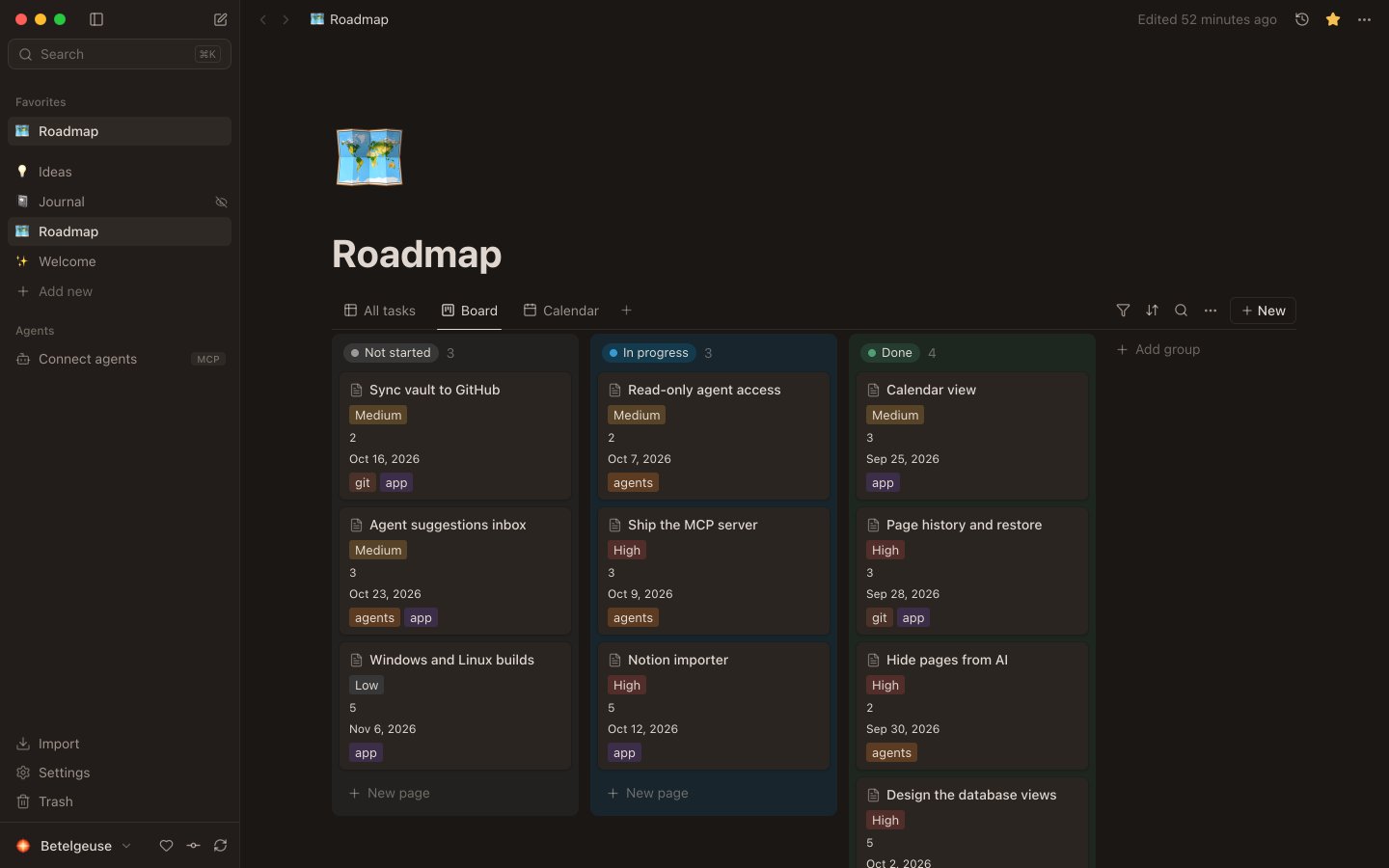
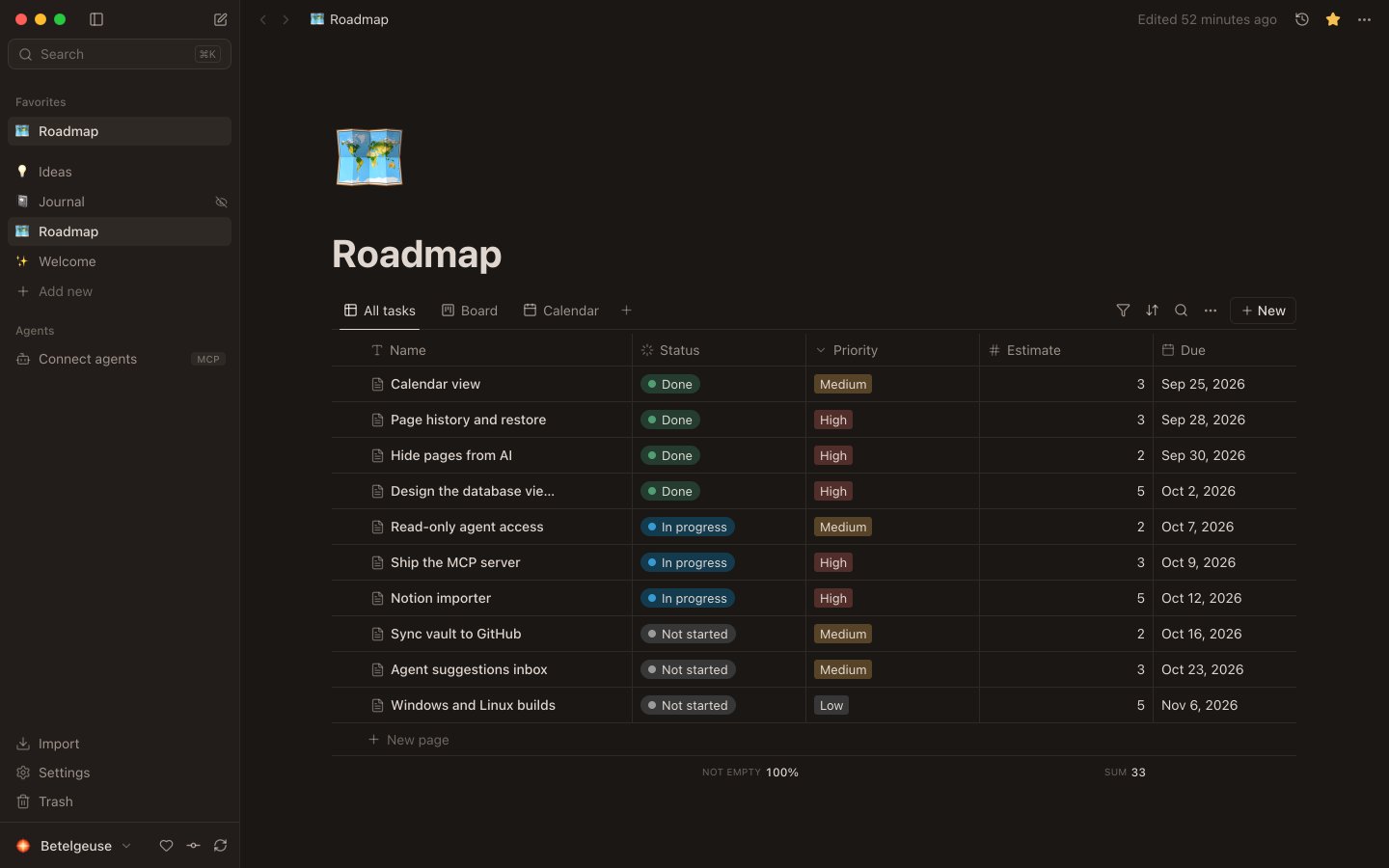
Table, board, list, gallery and calendar views. Every row is a page, every property lives in the file.
Remember
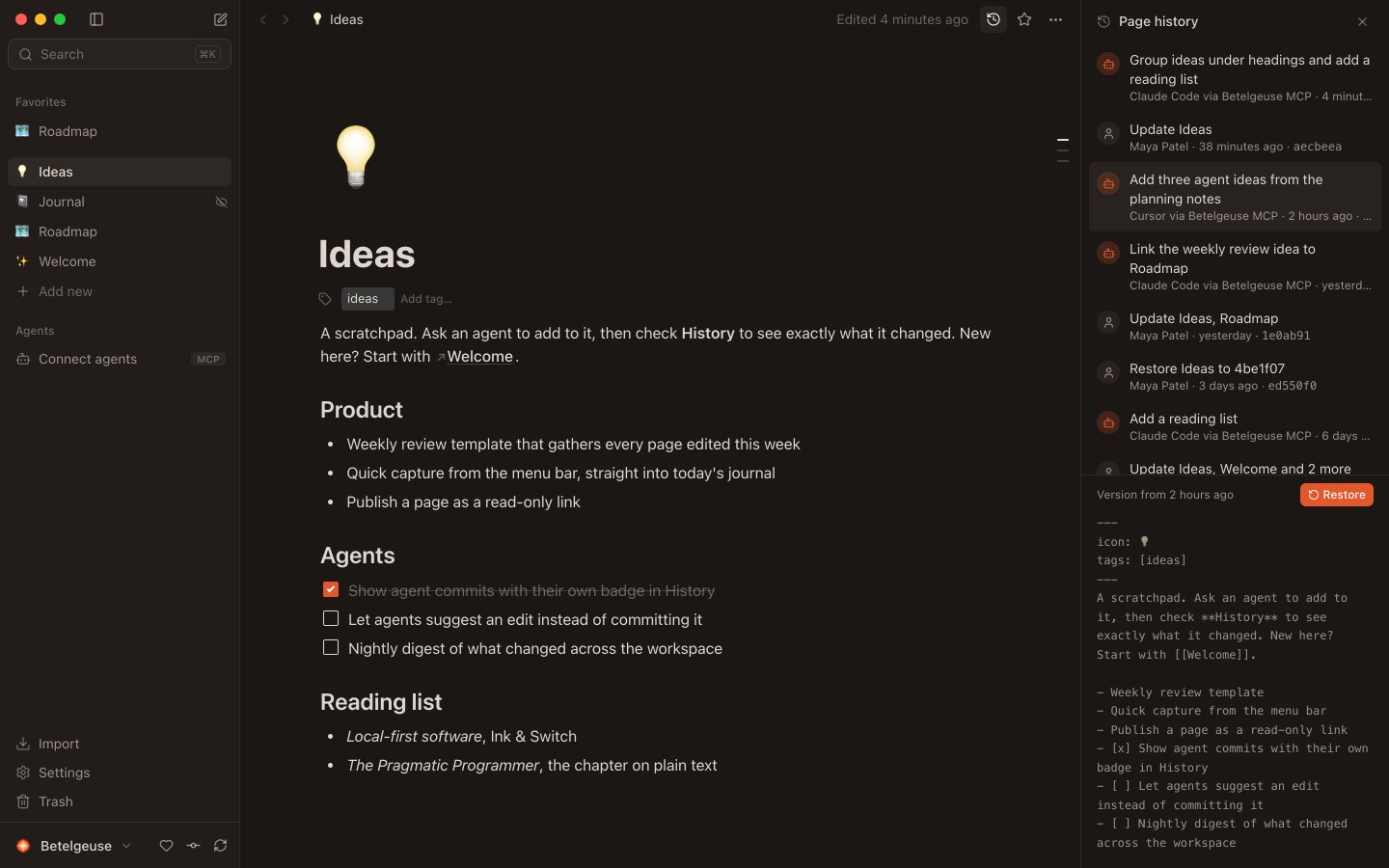
Your work is committed to git as you go. Restore any version in a click, including an agent's.
Connect
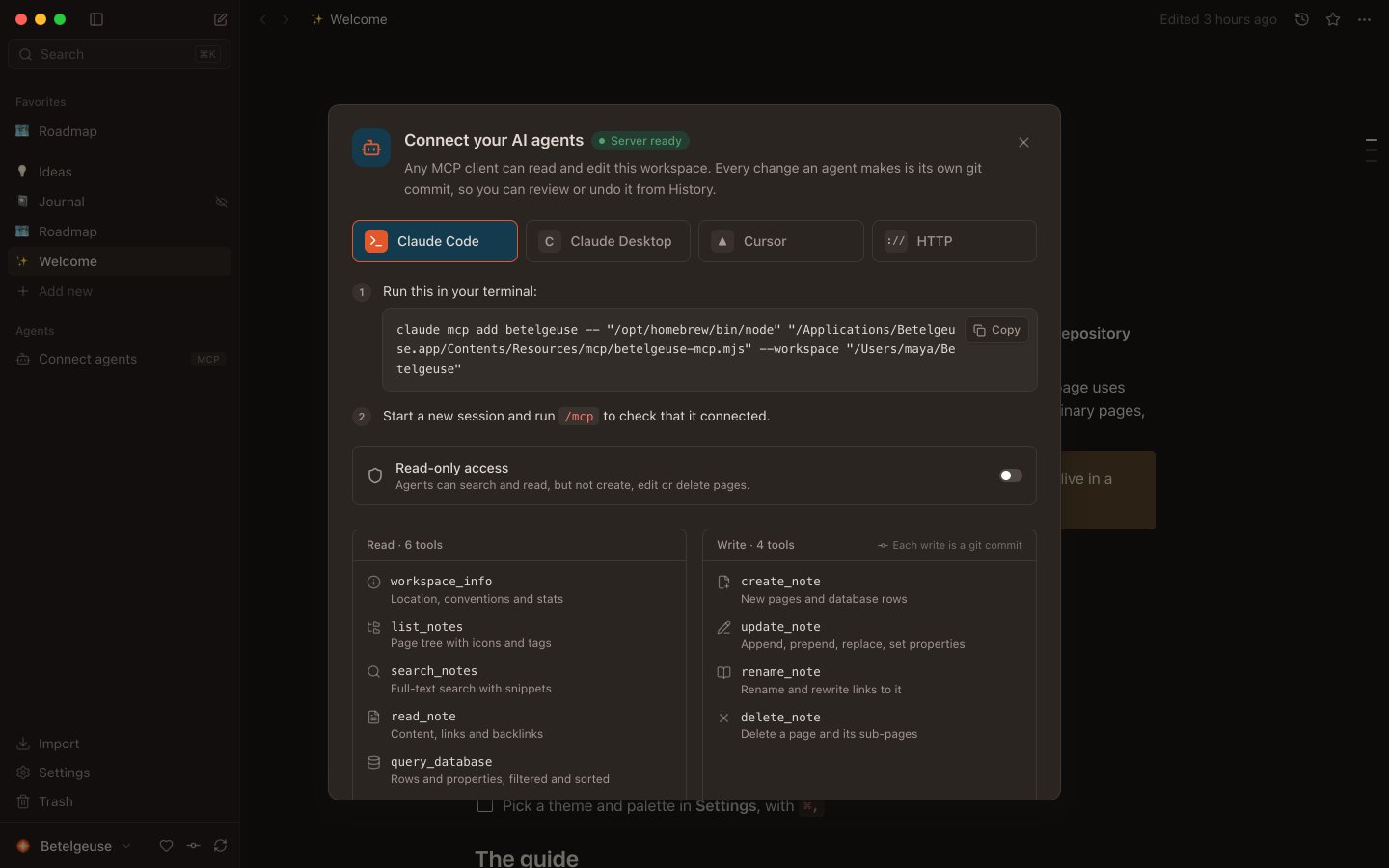
Claude Code, Cursor and any MCP client can search, read and update your notes. Every edit is a commit.
> What's still open on the roadmap?⏺ betelgeuse.query_database(Roadmap, Status ≠ Done)⎿ 2 rows• Ship the MCP server · in progress · Oct 9• Sync vault to GitHub · not started · Oct 16> Mark the first one done.⏺ betelgeuse.update_note(Roadmap/Ship the MCP server)⎿ ✓ Committed as “Claude Code via Betelgeuse MCP”
Control
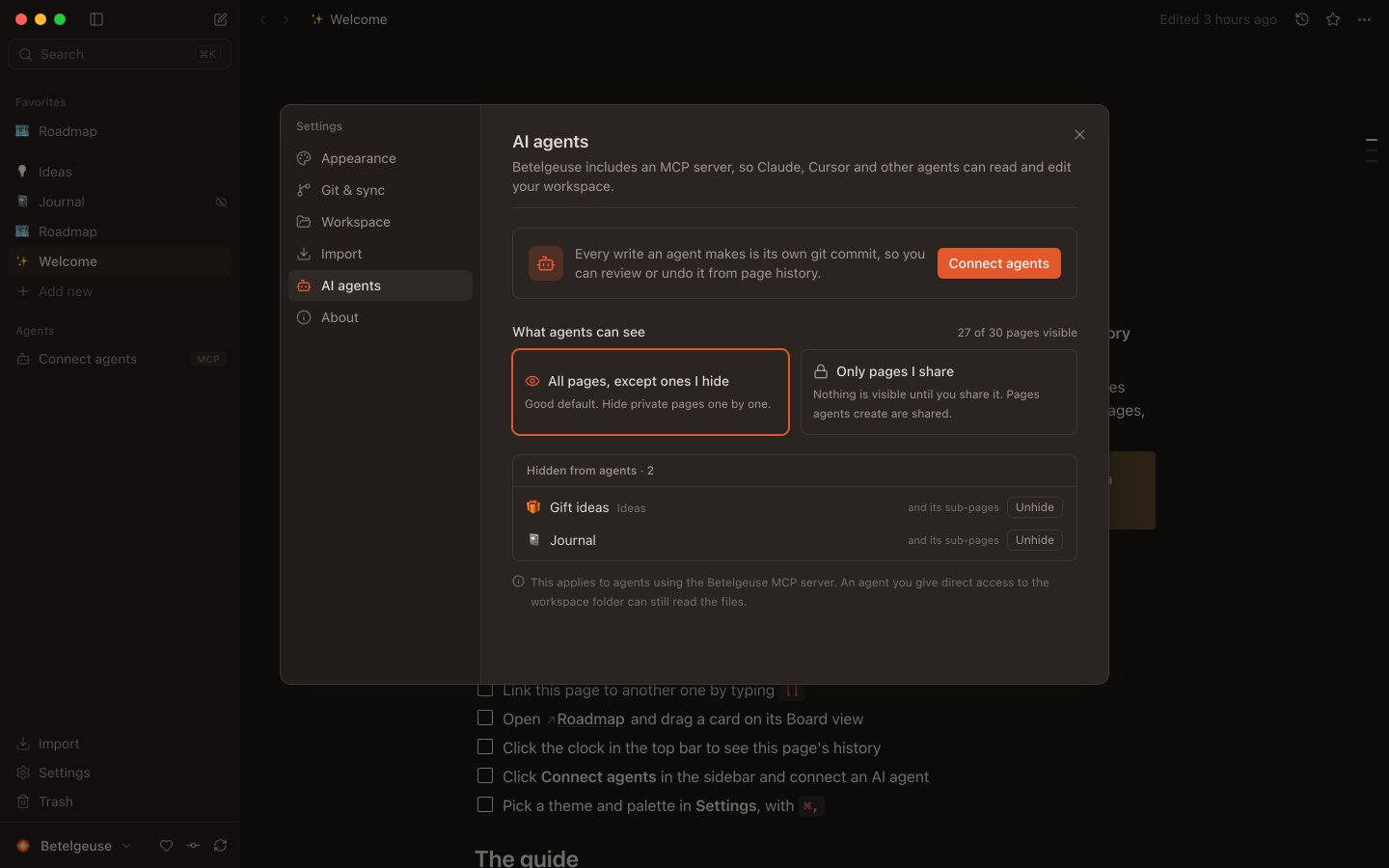
Hide any page with one switch, or share only what you choose. Hidden pages don't exist for agents.
How it works
No servers. No sync service. No export button. Just files.
Open source
MIT licensed and developed on GitHub. Star it, fork it, make it better.
A beautiful workspace on plain Markdown and git, open to AI agents over MCP.
Hack on it
git clone https://github.com/devian-labs/betelgeuse && cd betelgeuse && npm install && npm --prefix mcp install && npm run appYes. MIT licensed, no account, no subscription, no paid tier.
In a folder on your computer (~/Betelgeuse), as Markdown in a git repo. Nothing leaves your machine unless you add a remote.
No. Betelgeuse has no AI or cloud of its own. Agents you connect see only the pages you share.
Any MCP client: Claude Code, Claude Desktop, Cursor and more. The app gives you copy-paste setup.
Yes. Import Markdown & CSV workspace exports (databases included) and Markdown vaults.
It's an early preview. Expect rough edges, and tell us about them on GitHub.
Free and open source, on every desktop.
For macOS, Windows and Linux. Builds aren't code-signed yet, so confirm on first launch.
Downloadgit clone https://github.com/devian-labs/betelgeuse && cd betelgeuse && ./scripts/install.shgit clone https://github.com/devian-labs/betelgeuse; cd betelgeuse; .\scripts\install.ps1